





Piano Black / Piano White

click for larger versions.
Synopsis:
A semester-long project, where I explored using a MIDI keyboard as an input device. Piano White was a two week precursor to Piano Black, where I measured the feasibility of the larger project.
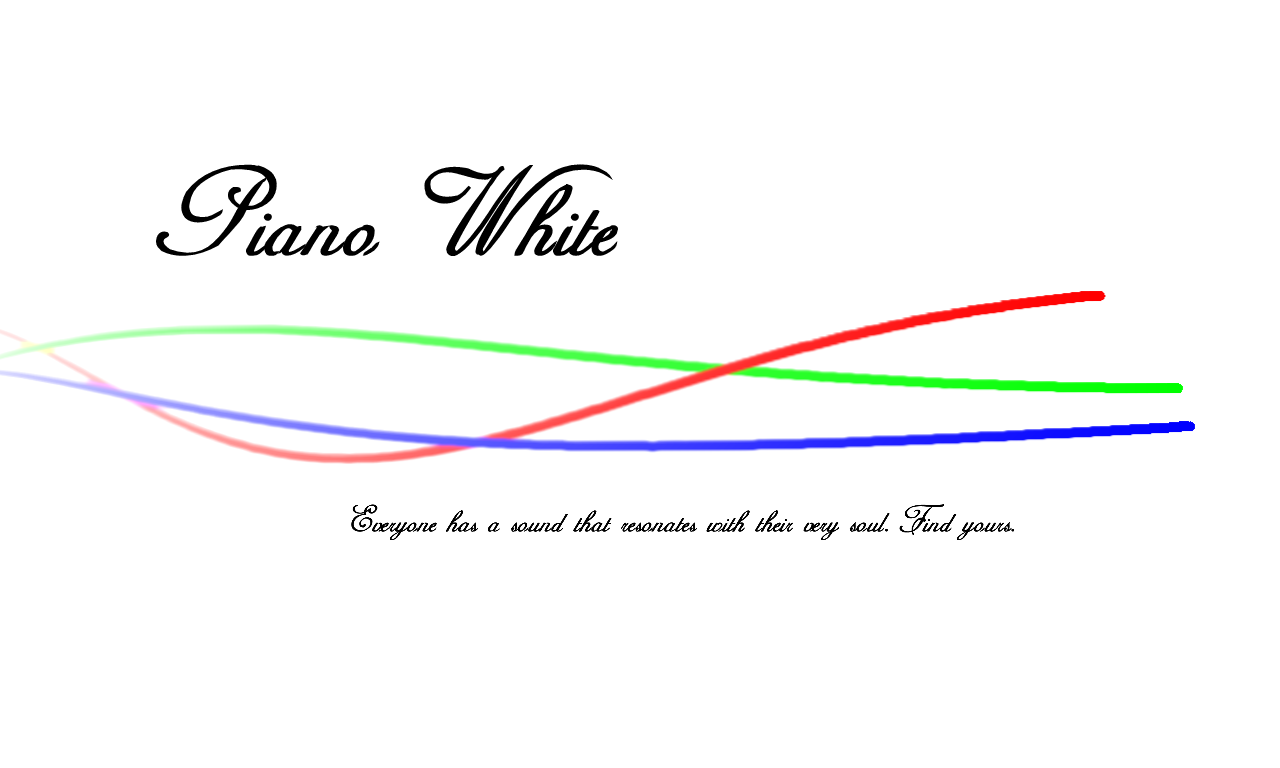
The two games are opposite sides of the same coin. Piano White helps you see a visual representation of any music, based on its rhythm, melody, and harmony, and is more sandbox and less goal-oriented. It was designed to be a feel-good experience, while Piano Black was designed to be a struggle.
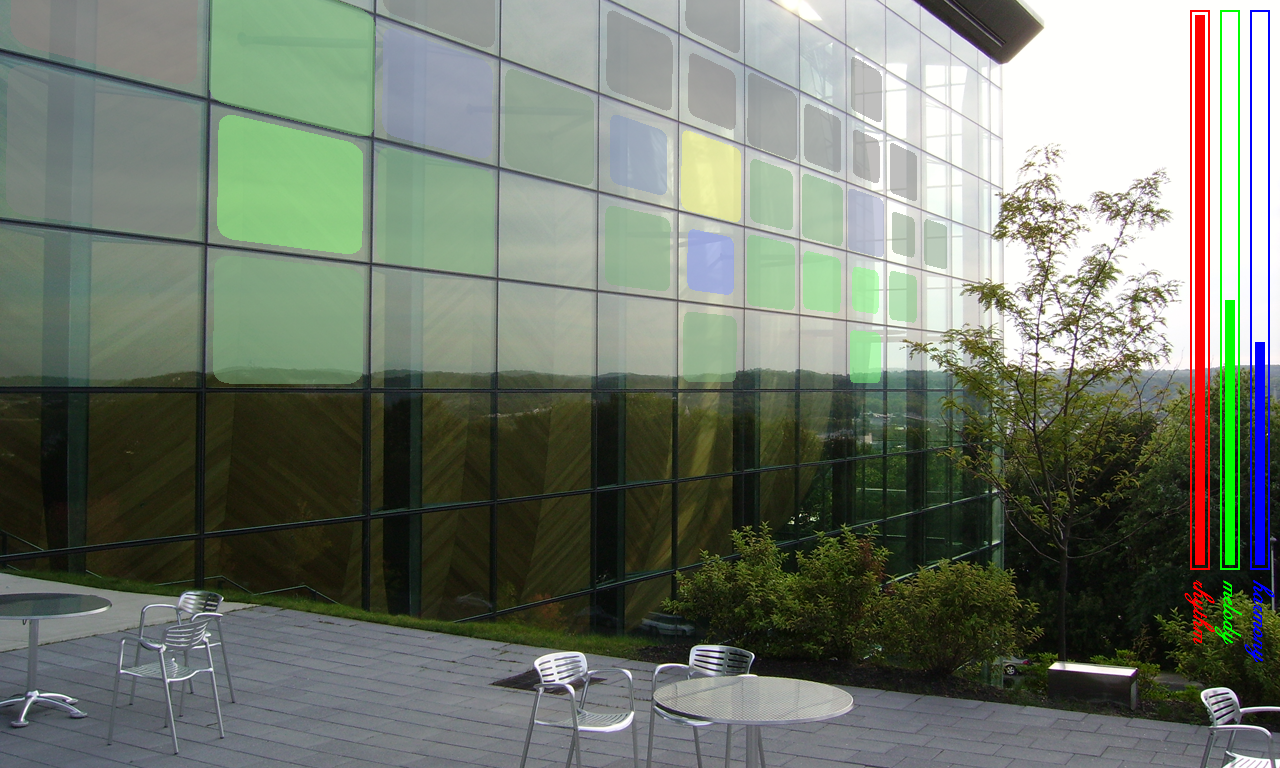
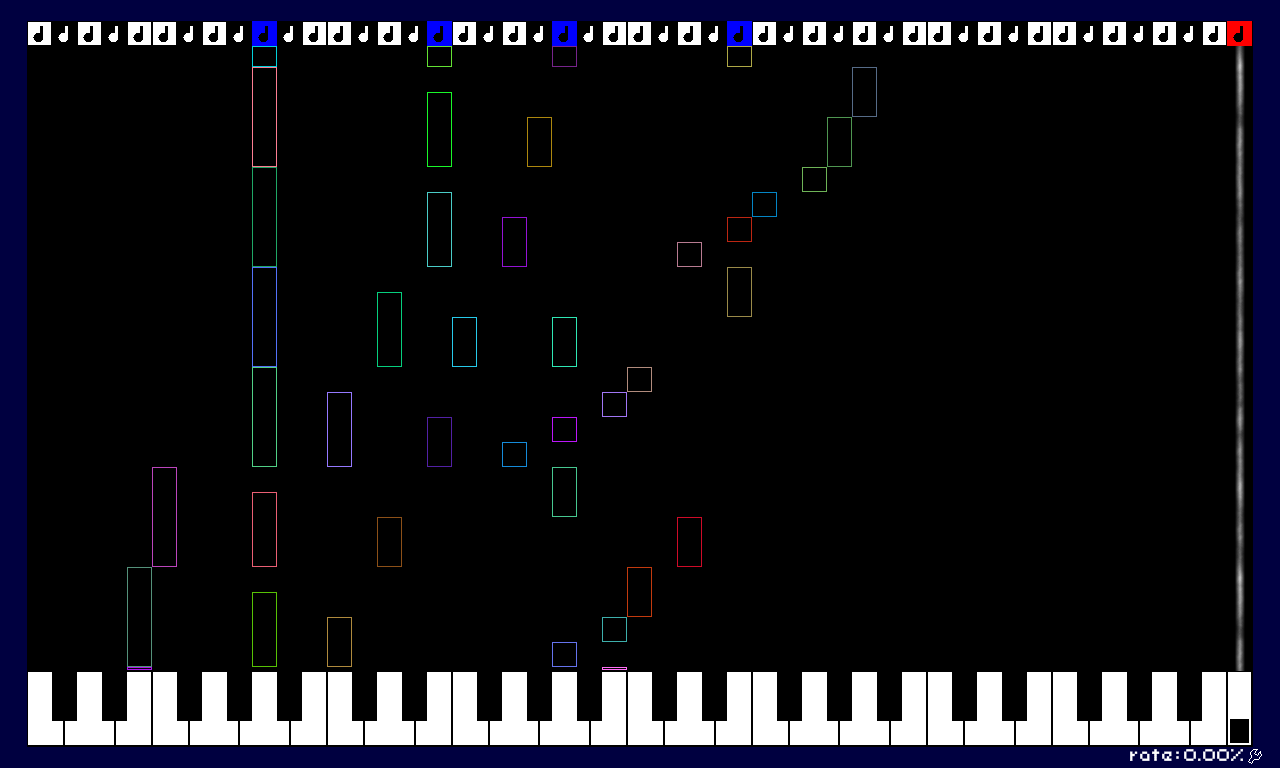
In Piano White, the window panes correspond to individual notes, and their colors are determined by adding the measured rhythm (red), melody (green), and harmony (blue) together. If a note has enough music consistently going into it, it will surge, and activate the windows orthogonally adjacent to it. This can create chain reactions, where the whole wall will surge on consistently musical input.
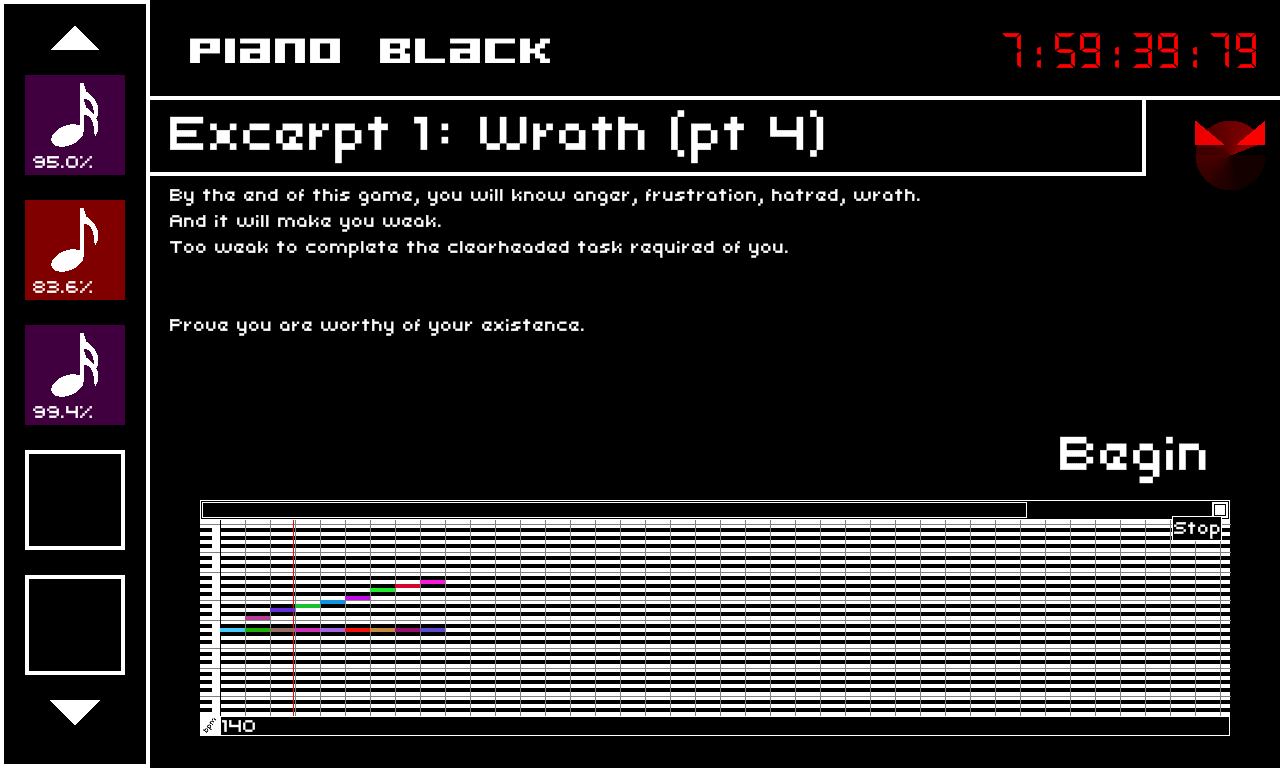
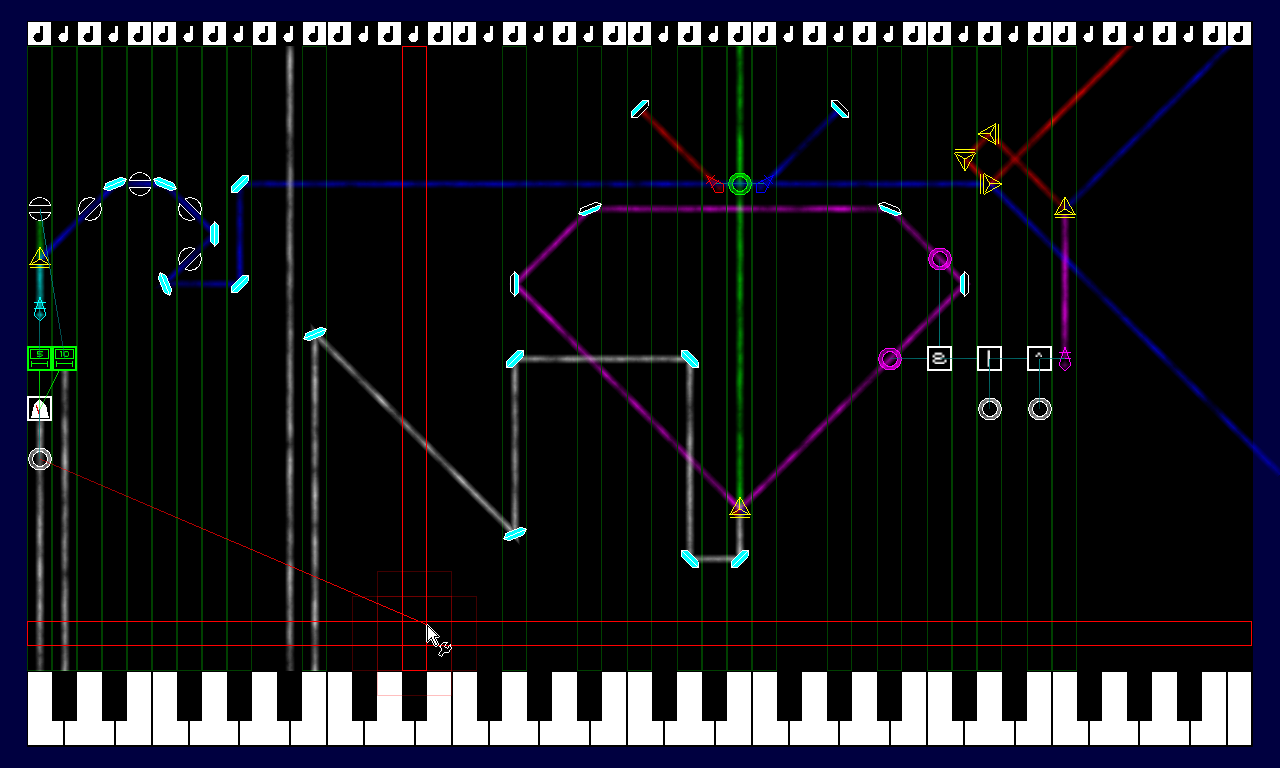
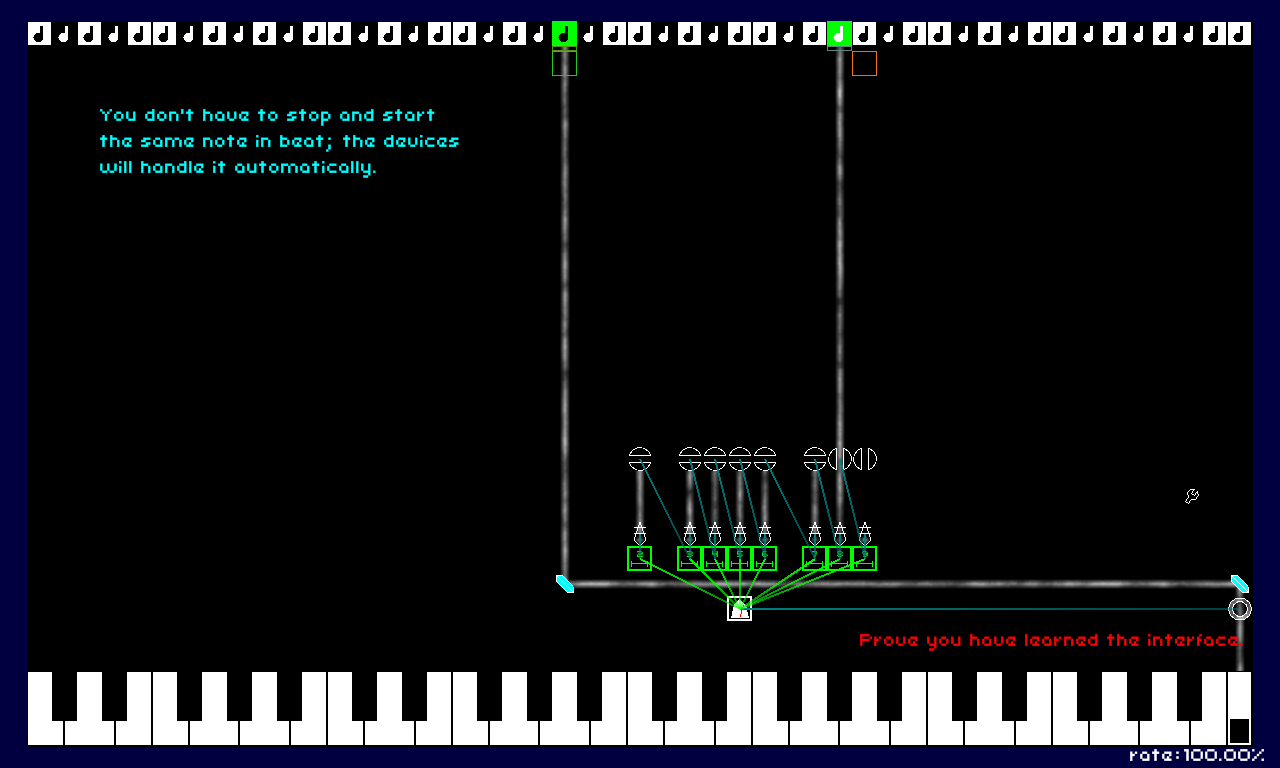
Piano Black is the story of the VIRUS, an AI program that became sentient and has determined that the world is not worthy of its existence. It laid out a set of bombs across the surface of the Earth, which can only be deactivated by completing a series of trials. Because the VIRUS does not understand music or culture, or even emotion, it deconstructs music into logical circuits, involving lasers, mirrors, and sensors (among other things). Players must race against the clock to prove that the human race is worthy of life, and deactivate the bombs one by one.
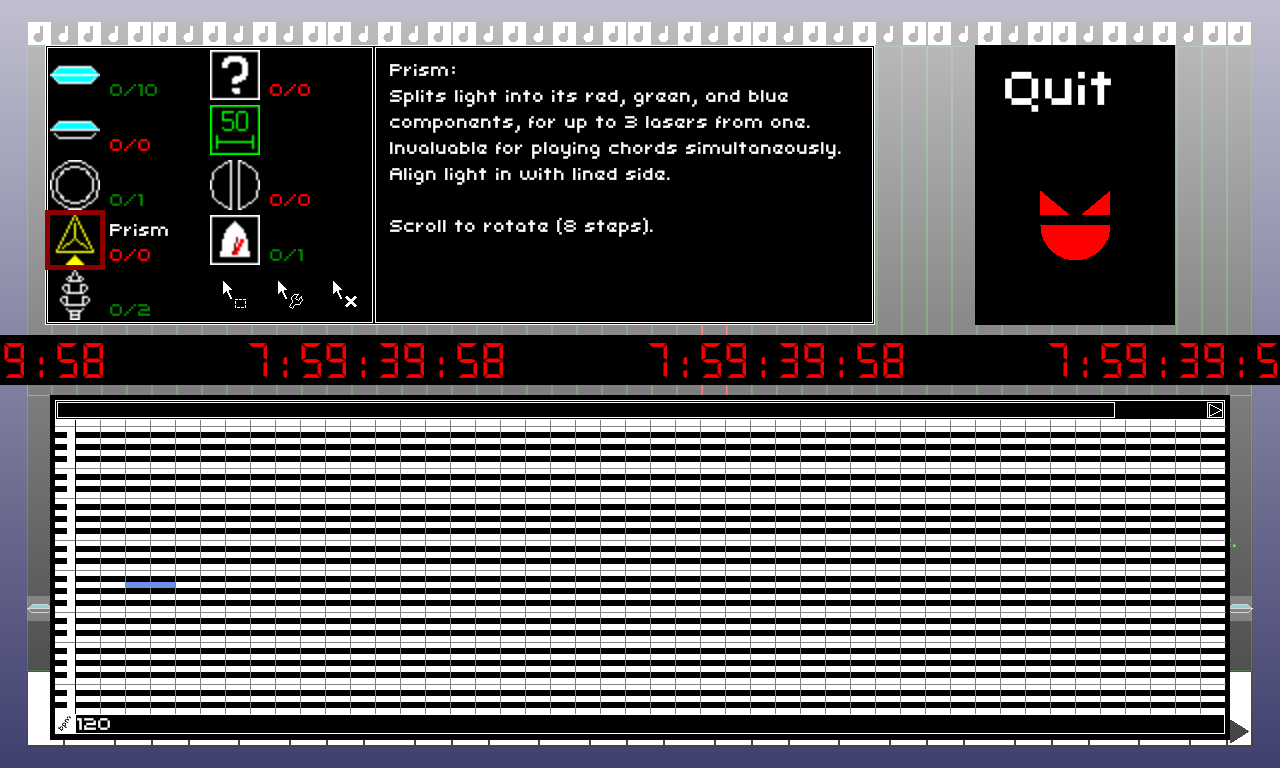
Of course, the 8-hour time limit is a little overkill right now, because the prototype only contains 6 levels... However, Piano Black also features a built-in level editor, so players can make their own levels when finished with the prototype demo. It is fully encapsulated in the runtime, so no coding skills are needed (but you will need a text file program, like Notepad).
White Tech:
Besides incorporating a MIDI interface into the Sol engine, Piano White added some new drawing functionality used on the window panes. The rounded rectangle was added to the drawable primitives, and is actually a single low level draw call (using a trianglefan DirectX vertex list). In addition, I added a matrix transformation to the 2D grid of rectangles, so that they appeared to be on the wall of the building.
The intro effect of the three lines is based on my general purpose distortion shader, originally used in the Unseen project for the background color distortion. However, I applied a subtraction shader before drawing to the screen, to get the effect to fade to white instead of black. In fact, the three colors in the buffer are actually cyan, magenta, and yellow, which when subtracted from white become red, green, and blue. It's a little bit of a hackish solution, but the main menu was put together in under an hour, after all.
In addition, there was a lot of music logic implemented. The Rhythm was detected by three methods: against each of the last five intervals for that note, the average of the last five intervals for that note, and a third method I can't recall... (it was good for something, though). The Melody was detected by testing against the frequency of the notes chromatically adjacent (as this rarely occurs is melodic music / key signatures). The Harmony was detected in a similar fashion to the Melody, but against all the notes that were currently being pressed, rather than over time. This was coupled with a coloring scheme that was capable of producing a wide variety of colors, based on the fundamental style of the music or noise being played.
Black Tech:
Piano Black added a ton of new tech, including miter joint-based lines, laser color blending, reflection, and collision, and message-based device communication (for the wired devices). It runs the entire simulation every frame (with some major optimizations, so at least 200fps), and handles realtime modification seamlessly, so players can add and change devices on the fly.
To start, I'll discuss the lasers. They are composed of only two low level draw operations (one per side), regardless of the number of reflections on mirrors. This was achieved through miter joints, which ensure that the line never flips its vertices and gets culled. Because the shader effect applied (based on perlin noise-multiplied alpha) goes from full opacity to transparent, two draws was the minimum number I could optimize to. The lasers are also drawn in components when not white, so that a red laser mixed with a green laser produces a yellow beam, and so on. This was done by locking the appropriate channels of the display buffer before drawing each component.
The laser's path is computed by stepping through the grid, using a simple algorithm. On empty spaces, it just moves to the next grid space. On grid spaces with interesting (not fully square) devices, it checks against simple collision shapes. The notes at the top actually have cross-based collision, which allowed diagonal lasers to always hit the right note. Another notable collision method was in the blocker, which actually checks to make sure the laser intersects a line at both sides of the central tube. I found this to be faster in the general case, and all these optimizations allowed very quick processing of the simulation space.
The message communication was actually an overoptimization, which led to the one-frame bug in the blocker resetting. Each device maintains a count of the number of devices wired to it, and a list of devices it is connected to. As soon as it evaluates to true, it passes a true message to all the devices it is connected to. For things like ANDing and ORing, the connected devices could check against their total number of connected devices each frame, and only fire a true AND signal when the number of true signals received this frame reached the total.
While this works in the general case, if I were to rewrite the logic I would pass both true and false signals whenever they could be determined. This would have allowed for NOT and XOR settings on the logic box, and for the blocker to know that it had reset on the current frame. However, as is, Piano Black is a very complete prototype of the concept. You can even use blockers for NOT-based logic.
Gameplay Videos: (some quality loss from capture)
Requirements:
A 61-key MIDI keyboard or larger (the first octave is mapped to [1]-[9],[0],[-],[+])
XNA Framework 3.0 or 3.1 (Windows only)
Either Visual C# 2008 Express (free) or Visual Studio 2008 (not...)
Note: Installing VC#2008 Express will not break a Visual Studio 2005 install.
Download Now
