



Image Control Utility (ICU)

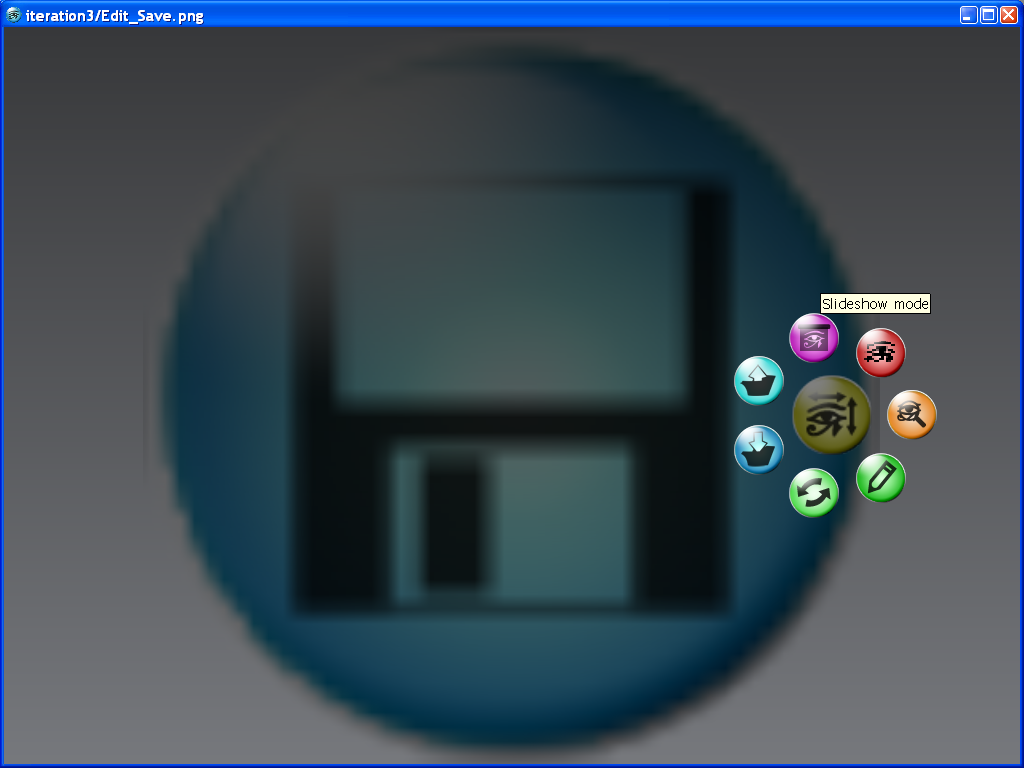
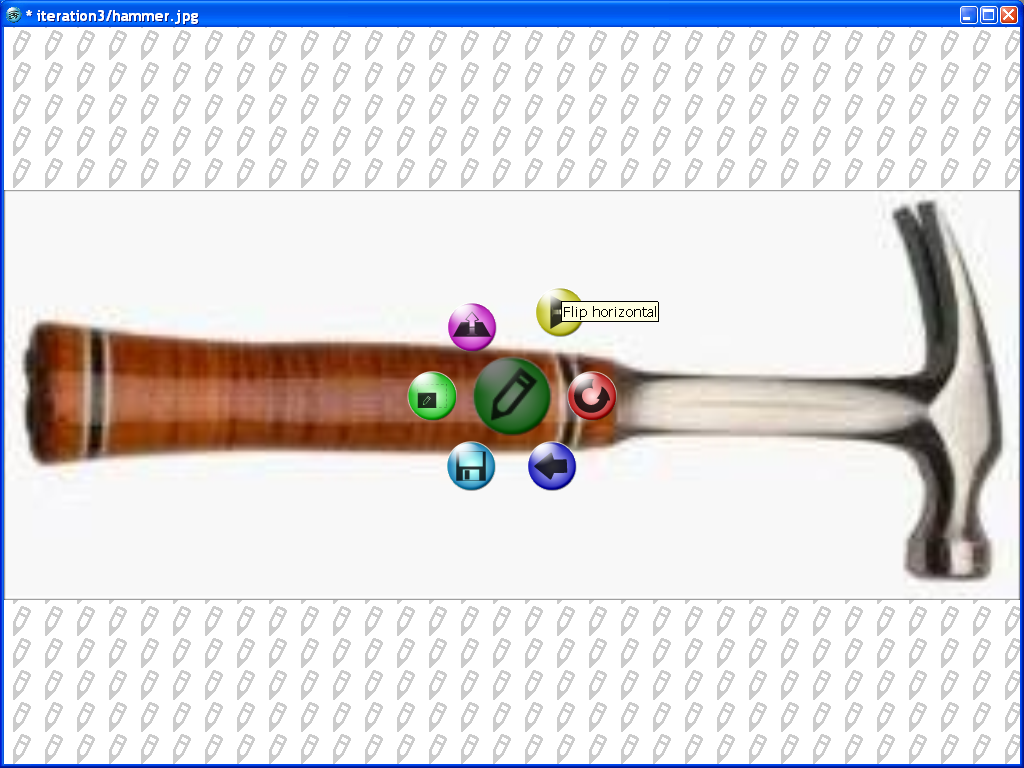
click for larger versions.
Synopsis:
A semester long project, intended to replace the standard (/terrible) Image Viewer in Windows XP. The ICU features directory navigation, the ability to open multiple instances, an intuitive and minimal interface, and basic editing tools (like mirror, rotate, resize, and save a copy). My favorite parts of the interface are the right-click menu based controls (in screenshot 2), and the edit mode (in screenshot 3), which provides nondestructive visual feedback on all manipulations.
Tech:
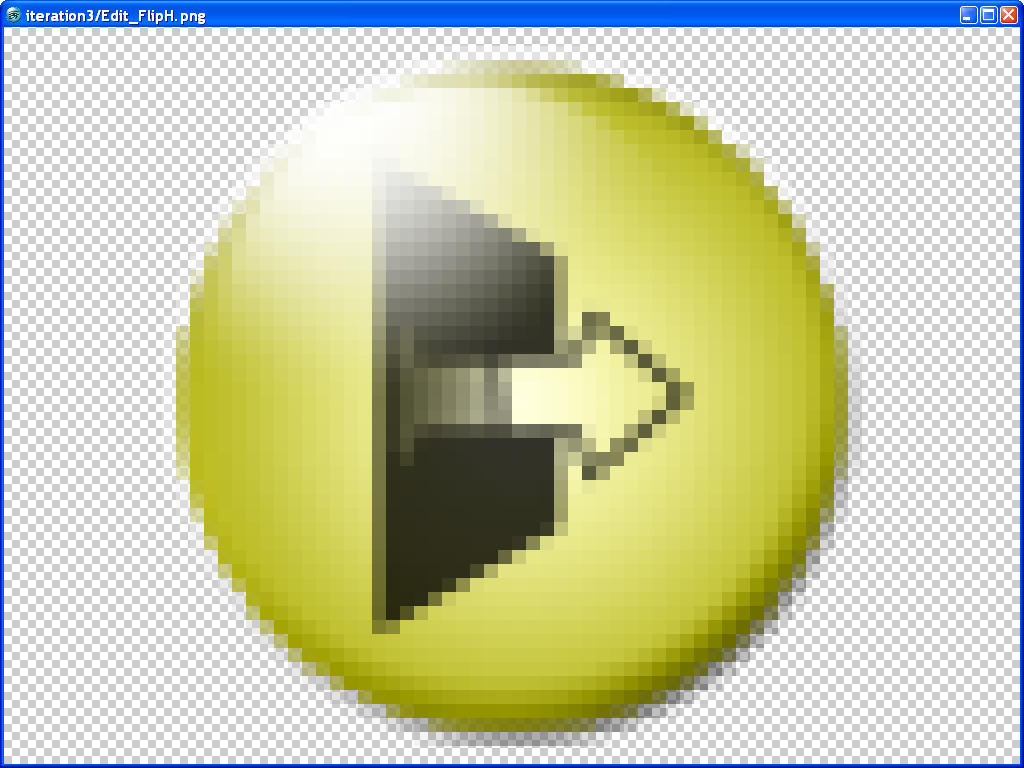
The program uses OpenGL for all the graphics, and a subset of the sol(py) engine as a base. Because of this, things like nondestructive editing were simple, as all images were simply textures applied to geometry. To display a visual representation of a flipped picture, all you needed to do was flip the locations of the vertices in the textured geometry, and disable culling.
The menus were constructed in a polar coordinate system, where each button maintains only an angle and a length away from its parent. This served as the center of the new button, and after a cartesian transformation back to (X,Y), a simple distance check determined whether a click was in that circular region. This representation allowed fades to push icons from the center parent icon, and the rotary-phone effect that the rotate button in the edit menu employs. I personally found spinning the icon around the image to rotate it in that direction much more intuitive than the standard Windows XP "triangles" (if you don't know what I'm talking about, it's a good thing...).
The tiled pencil background in edit mode and standard transparency checkerboard background in pixel mode were employed using the little-known builtin "stencil mode" in OpenGL. Basically, the entire background is one primitive draw operation, with a tiled stencil pattern defined in data and assigned to the draw. Because of this, it runs as quickly as a primitive draw operation, which is miles faster than a raster image draw. It took a while to make a believable pencil in straight hex code, but I think it was worth it!
The message prompts were created using the Tk package bundled with python. They should look identical to whatever default prompts exist on the user's operating system. The resize box was also programmed to change the X and Y % boxes when the user changed the corresponding pixel boxes, and vice versa. This allowed the user to move back and forth between pixel and % scaling, while updating all changes made previously.
Team:
Greg Lane (Me) - All edit & view modes, navigation, icon art, and interface code.
Derek Pitman - Directory navigation, dynamic image caching, and UML.
Shane Reilly - Documentation and testing.
Aditya Kasi - Dropped the project...
Video: (some image quality loss...)
Requirements:
Python 2.5 (cross platform, Mac and Windows)
PIL 1.1.6 (Python Imaging Library, included in download)
Download Now
